
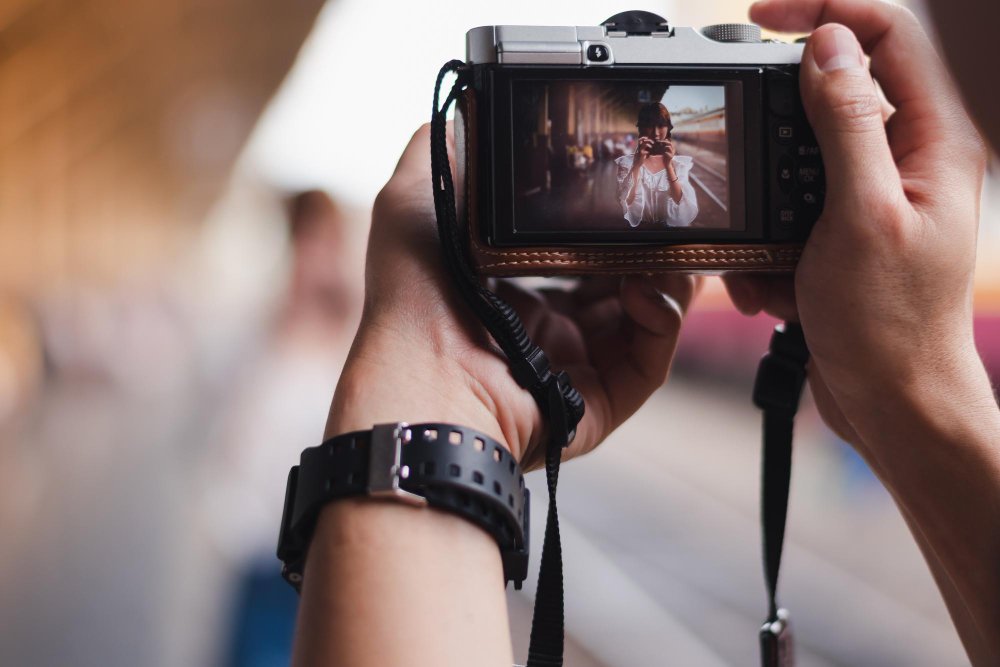

You don’t need a new camera to improve your videos.
You need better angles.
Most beginner videos look flat for one simple reason: the camera stays in one place, at one height, pointed straight ahead. Change the angle—and the entire video feels more intentional.
Here are camera angles that work immediately, even if you’re filming on a phone.
1. Eye-level (the most reliable starting point)
This is the default for a reason.
Use it when:
-
someone is talking to the camera
-
you want a natural, honest feel
Tips:
-
camera at eye height (not above, not below)
-
lens level, not tilted
Eye-level shots feel calm and trustworthy. If your video looks “off,” start by fixing this.
2. Slightly above eye-level (cleaner and more flattering)
Raise the camera just a little.
Why it works:
-
reduces awkward shadows
-
feels more open
-
slightly more flattering for faces
This angle is ideal for:
-
vlogs
-
interviews
-
explainer videos
Small height change. Big visual improvement.
3. Low angle (use sparingly, but on purpose)
Place the camera lower, pointing slightly upward.
Use it to:
-
add presence
-
make a subject feel stronger or more important
Avoid:
-
extreme low angles
-
using it for casual talking shots
Best for:
-
short moments
-
transitions
-
emphasis
Low angles work best as accents, not defaults.
4. Over-the-shoulder (instant depth)
This angle immediately adds context.
Use it when:
-
showing someone working
-
filming screens, hands, or processes
Why it helps:
-
creates depth
-
feels observational
-
makes the viewer feel “in the room”
This is one of the easiest ways to make a video feel intentional.
5. Close-up (clarity and emotion)
Move closer than feels comfortable.
Use close-ups for:
-
hands
-
tools
-
facial expressions
-
key details
Close-ups:
-
reduce visual clutter
-
guide attention
-
add emotion
If something matters, get closer to it.
6. Side angle (more natural than straight-on)
Shift the camera slightly to the side instead of straight in front.
Why it works:
-
feels less staged
-
adds dimension
-
looks more cinematic without effort
This is a simple fix for videos that feel stiff or awkward.
7. Static wide shot (let action happen)
Lock the camera and let movement occur inside the frame.
Good for:
-
routines
-
demonstrations
-
everyday moments
A stable wide shot feels confident and clean—especially for beginners.
Common mistakes to avoid
These angles hurt videos more than help:
-
camera too low and tilted up at faces
-
extreme angles with no purpose
-
constant handheld movement
-
never changing angles at all
One or two intentional angles beat ten random ones.
A simple rule that always works
If your video feels boring:
-
don’t add effects
-
don’t change music
-
change the angle
Move the camera:
-
higher
-
lower
-
closer
-
to the side
That alone often fixes the problem.
When angles still don’t help
If a video still feels flat, the issue is usually:
-
poor lighting
-
unclear subject
-
too many distractions in the frame
Angles help—but they work best with simplicity.
At SchoolCentric, we teach students how small, practical choices (like camera placement) dramatically improve creative work—without overwhelm or expensive gear.
Final takeaway
Better videos don’t start with better equipment.
They start with better decisions.
Change the angle.
Control the frame.
Keep it simple.
That’s how videos improve—instantly.